

Muse AI
Chat and Image Generator - Flutter App
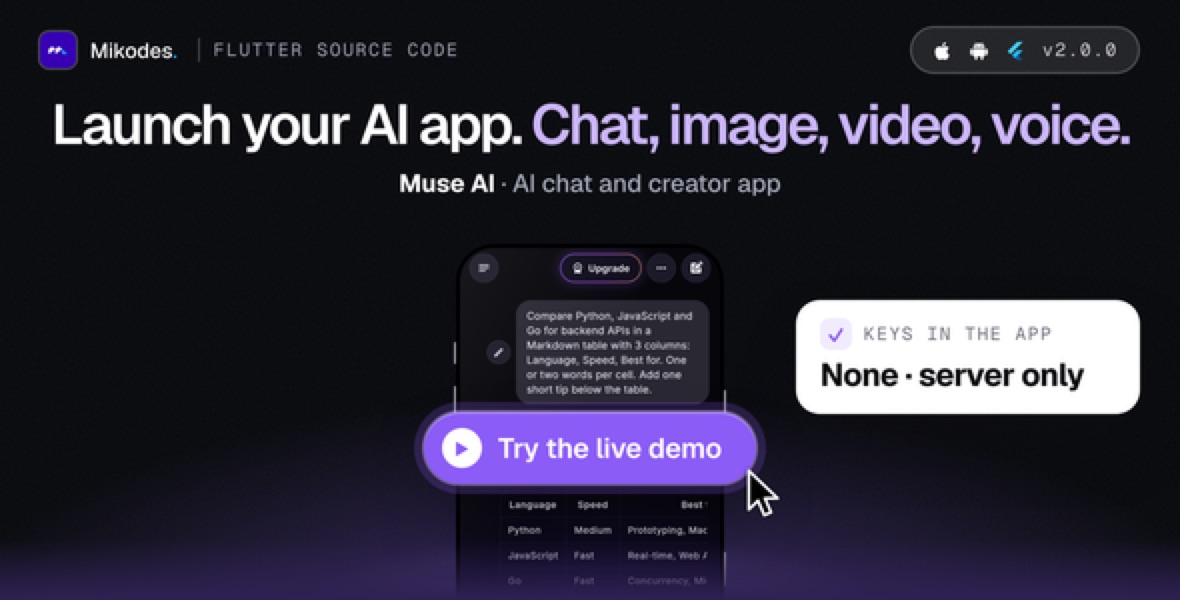
AI disclosure: AI tools were used to assist with parts of the code, documentation and graphics of this item. AI coding assistants were used on the Flutter app, the Cloud Functions backend, the operator console, the documentation and the preview graphics, under the author's direction; the author reviewed and tested the result before release.
What it does
- Streaming AI chat (Server-Sent Events) with Markdown, tables, syntax-highlighted code with copy and LaTeX; stop, regenerate, edit and resend, copy, share as text or picture card, read aloud, thumbs up/down, report
- Follow-up suggestions after an answer, sources sheet for optional web search, incognito chats that are never saved
- Four chat provider types: Anthropic, OpenAI, Google Gemini and any OpenAI-compatible endpoint (OpenRouter, Groq, DeepSeek, Together, Mistral, Ollama...)
- Model catalog and picker: your own labels, plan tier, credit cost and capabilities; a model without a key is never offered
- Composer menu: photo, PDF and text attachments (model-dependent), create image, create video, voice note (transcribed), dictation
- Voice mode with an animated orb: natural voices from your TTS provider (OpenAI, ElevenLabs, Gemini) or the device voice; the microphone interrupts the reply
- Discover: news from the RSS / Atom feeds you enable, by category, with an AI brief and numbered sources, listen, bookmarks and ask follow-up
- Image Studio: prompt enhancer, 12 styles, aspect ratios, 1-4 images, gallery; edit with a prompt, remove background and upscale when configured; AI-generated badge and file metadata
You need
- Flutter >= 3.41 (stable), Dart ^3.11
- Android: minSdk 24, compileSdk 36, targetSdk 36; AGP 8.11.1, Gradle 8.14, Kotlin 2.2.20, JDK 17+
- iOS 15.0+, Xcode 16+ with CocoaPods on a Mac
- Node.js 22 and npm
- Firebase CLI and Java 21+ for the emulators